
Step 1:
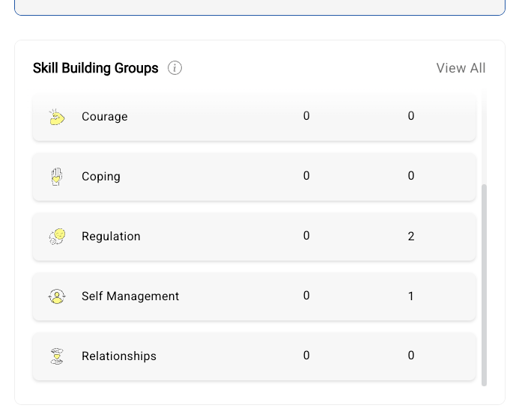
Go to Skill Building Groups under Support Management and click View All.
Step 2:
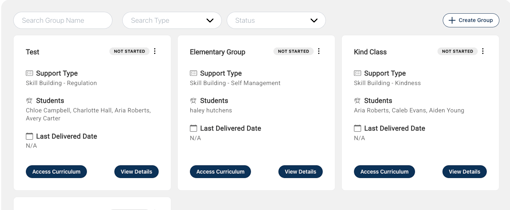
Find the group you want to edit and click View Details.
Step 3: Adding Facilitator
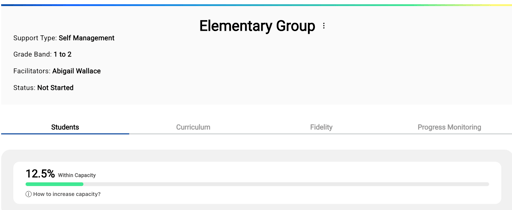
Click the three-dot menu next to the group name and select Edit Group.
Here, you can assign additional facilitators to the group.
Be sure to click Save when you're done.
Step 4: Adding Students
Scroll down to the Students section and click + Assign Students to add more students to the group.
Reminder: Students will only populate if they have been added to the Delivery Dashboard
Need Help?
If you need any additional account support:
- Email our Support Team at support@characterstrong.com
- Connect with your Customer Success Manager for personalized guidance
Don't know who your Custom Success Manager is? Reach out to support@characterstrong.com