
Archived and Class Creation are here! To support real-world timing and roster changes, rostered customers can manually add a Tier 1 class in CharacterStrong when needed. Your SIS roster remains the primary source of truth, but this feature provides a reliable fallback when SIS updates are missing a class.
- When Student Information System (SIS) rostering is available for a class, use the SIS-rostered class for ongoing delivery.
- Use manual creation for Tier 1 sessions against classes not represented in the SIS.
How to Create a Class:
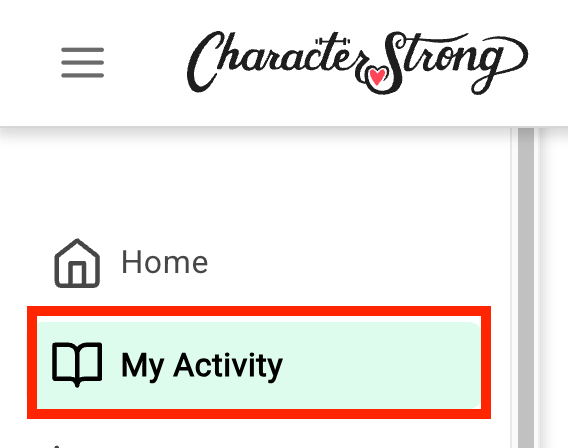
- Navigate to My Activity on the right-hand sidebar.
- Click the Add a Class button.

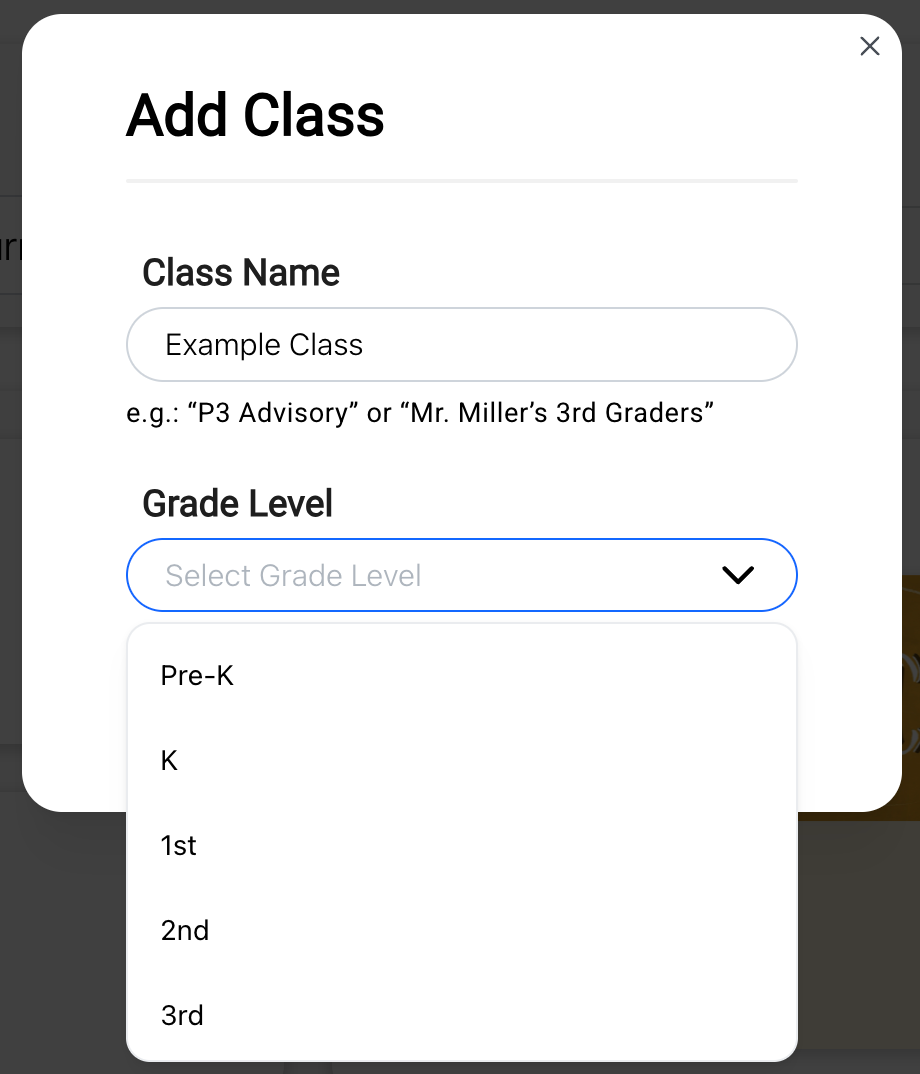
- Enter your class name and select the appropriate grade level.
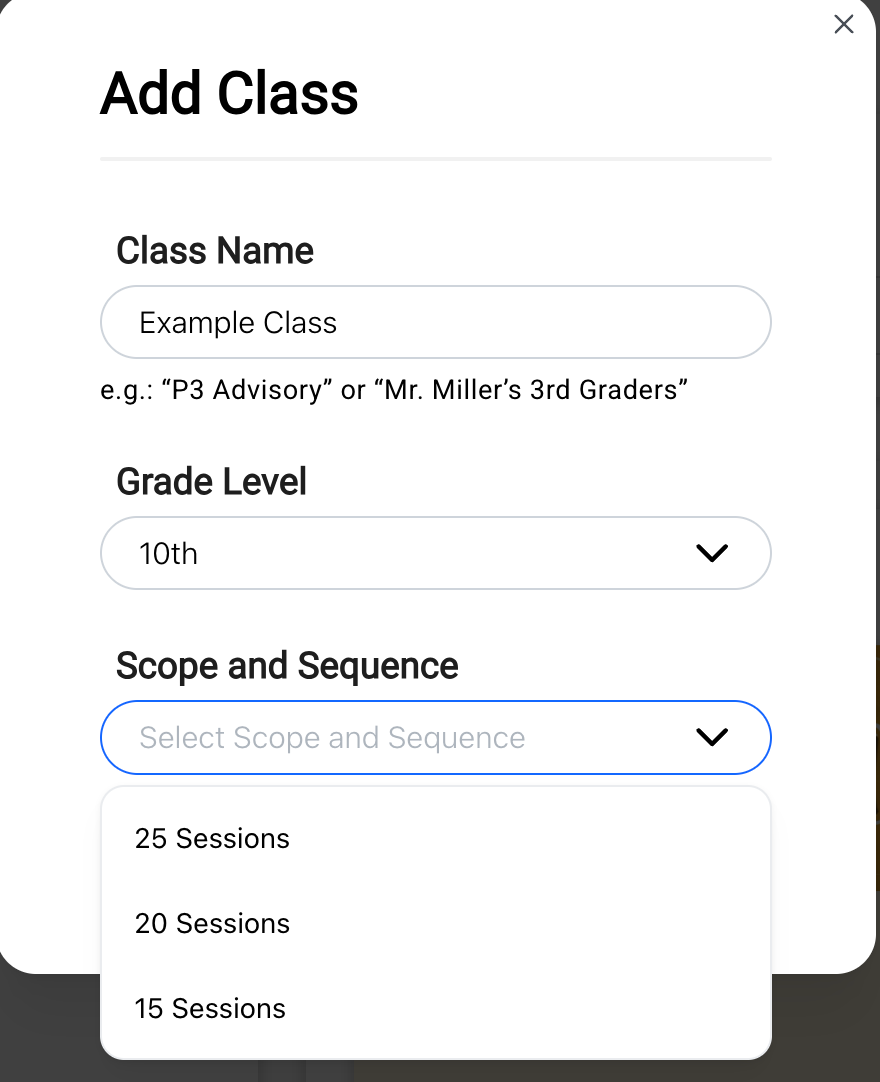
- For secondary classes, also select the appropriate Scope and Sequence.
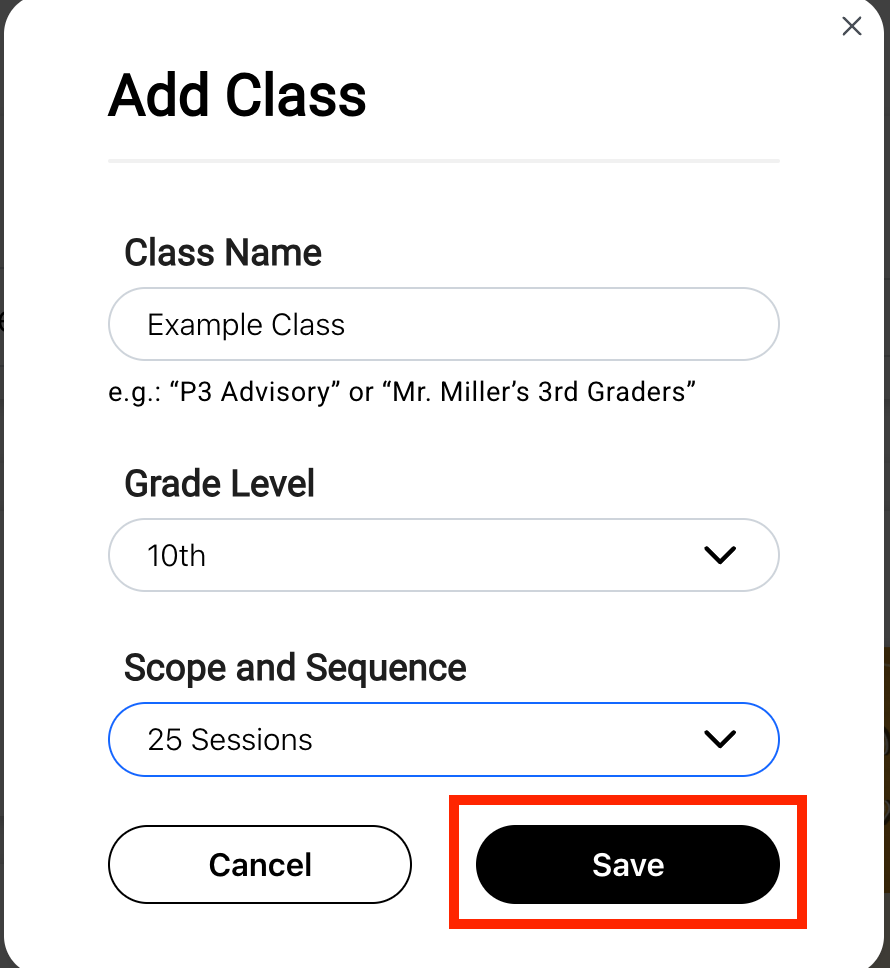
- Click Save.
For step-by-step instructions, check out these helpful articles:
Archived Classes:
If you had created classes before rostering and have noticed that these are no longer available, don’t worry! If you’d like to restore your archived classes, simply email us at support@characterstrong.com.
💡 As a School Lead and a District Lead you can go to the Implementation page in Analytics and export a csv file of all classes in each organization you have access to. There is a column that will represent if the class was created on the CharacterStrong platform or was created by rostering.
